


Download Apk Editor Pro Apk Extractor Installer – APK extractor, APK editor, Android app decompiler, free APK tool, desktop utility
Overview
Apk Editor Pro Apk Extractor Installer is a free desktop utility designed to help users extract and analyze Android APK files without requiring programming knowledge. The software enables users to dissect installed applications or downloaded APKs by leveraging built-in decompilers, revealing the internal structure of the package. This includes access to resources such as images, icons, audio files, and metadata, making it a valuable tool for developers, hobbyists, and curious users interested in understanding how Android applications are constructed.
The application serves as a lightweight, accessible solution for those who want to explore APK contents without diving into complex coding environments. Its straightforward workflow allows users to initiate parsing with a single tap, using the prominent plus symbol in the interface. The tool supports both locally stored APKs and installed apps, offering flexibility in file source selection. While the developer did not provide additional details about the background or company, the software is positioned as a user-friendly alternative to more complex development tools.
Real-world usage scenarios include reverse engineering for educational purposes, resource extraction for design reuse, and debugging application components. The tool’s ability to parse APKs efficiently makes it suitable for both learning and practical exploration of Android app architecture.
Key Features & Capabilities
- APK Extraction and Decompile – The software allows users to extract and decompile APK files using three built-in decompilers: CFR 0.110, JaDX 0.6.1, and FernFlower. Each decompiler varies in parsing speed and efficiency, offering users a choice based on their performance needs.
- Resource Access – Users can browse and extract internal assets such as images, icons, audio files, and layout resources directly from the APK structure, facilitating reuse or analysis.
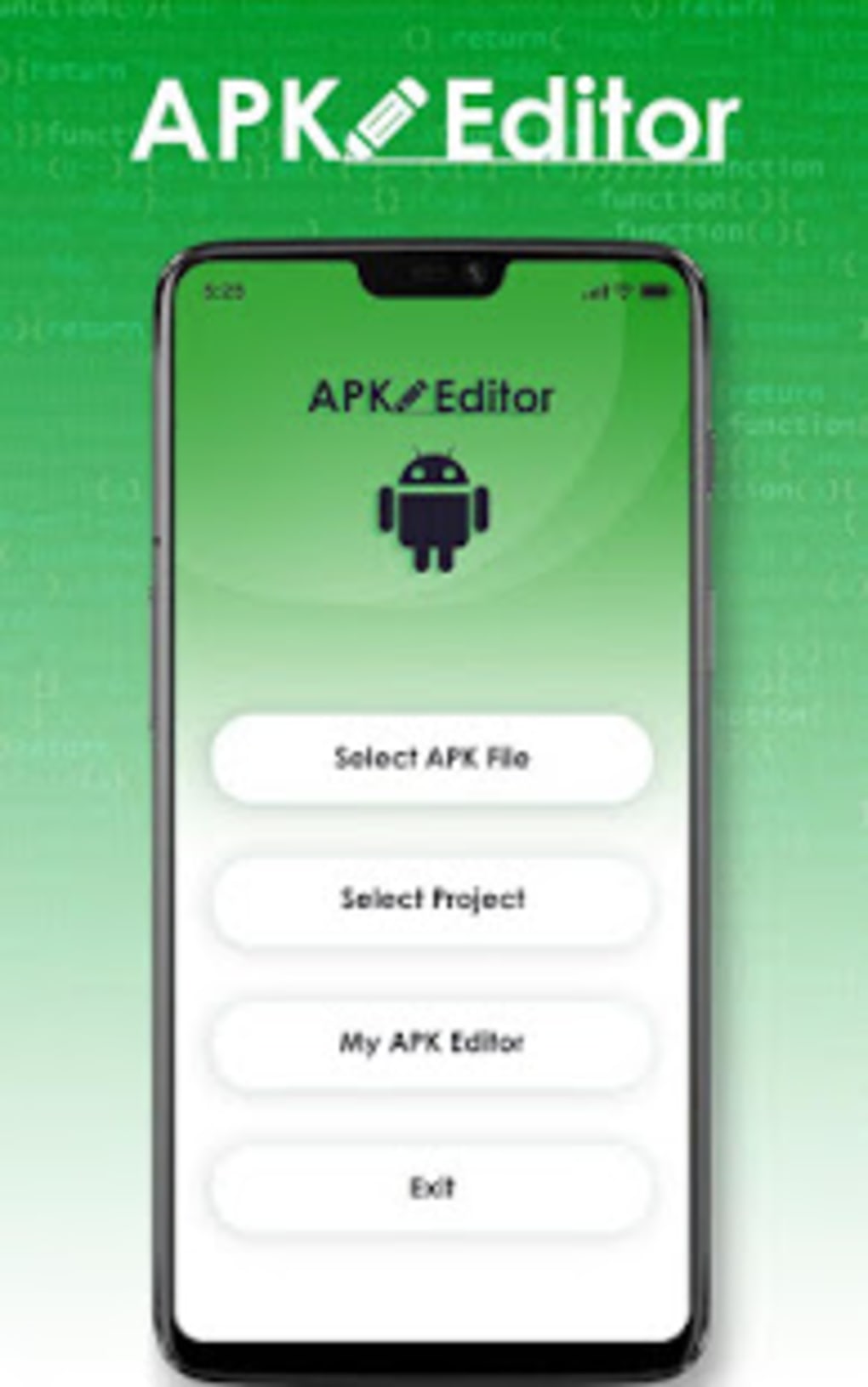
- Intuitive Interface – The application features a clean, well-optimized user interface that simplifies navigation and file interaction, enabling users of all skill levels to operate it comfortably.
- Customizable Settings – Users can adjust thread stack size and other parsing parameters to optimize performance, making the tool adaptable to different system configurations.
- Multiple File Sources – The tool supports parsing from both installed applications and APK files stored on the device’s storage, increasing its versatility across use cases.
These features make the software ideal for educational purposes, app development research, and asset extraction. For example, a designer might use it to study UI elements of a popular app, while a developer could analyze app behavior or debug issues by inspecting compiled code.
User Interface, Workflow & Performance
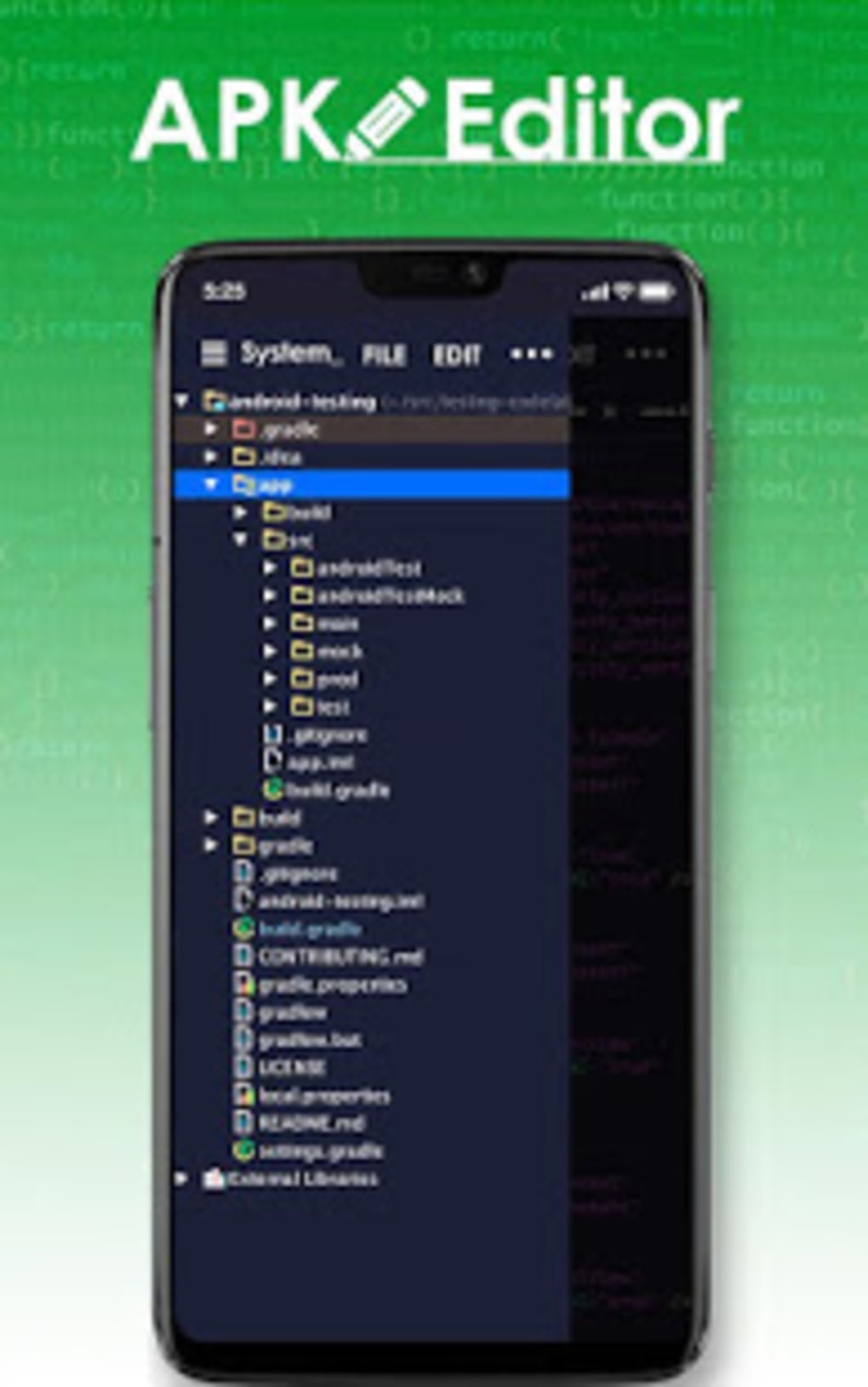
The user interface is structured around a central navigation hub with a prominent plus button located at the lower right corner, which initiates the file selection process. The layout is minimalistic, emphasizing accessibility and reducing cognitive load. Navigation between parsed APKs and their components is straightforward, with a tree-like structure that displays folders and files in an organized manner.
Workflow efficiency is high due to the direct access to core functions without requiring multiple steps. Users can select a file source, choose a decompiler, and begin parsing with minimal interaction. The parsing duration varies depending on the selected decompiler and the size of the APK, with some processes completing in seconds and others taking several minutes.
The developer did not specify resource usage details. Performance observations are based on general software behavior patterns. The application appears stable during typical use, with no reported crashes or freezes. Ads are present but do not interfere with the core functionality or disrupt the user experience significantly.
Compatibility & System Requirements
Apk Editor Pro Apk Extractor Installer is designed for use on Windows and Mac operating systems. The software version and exact installation size were not provided. Compatibility information was partially provided, with no specific hardware requirements listed. The developer did not specify whether the application supports older or newer versions of Windows or macOS.
Exact system requirements were not listed. Users should ensure their system meets general desktop software standards to run the application. Platform compatibility information is limited, and no details were provided about supported architectures or dependencies.
Pros and Cons
Pros
- Free to use with no cost barrier for access
- Intuitive, user-friendly interface suitable for beginners
- Supports multiple decompilers with varying speeds and efficiency
- Enables extraction of images, audio, and other app resources
- Allows customization of parsing settings like thread stack size
Cons
- Ads are present, though not intrusive
- Parsing time varies significantly based on decompiler choice
- Exact system requirements and performance metrics not disclosed
- Version and file size information not available
- Compatibility with specific OS versions not confirmed
FAQ Section
Is Apk Editor Pro Apk Extractor Installer safe to download and use?
The software is available as a free tool, but users should ensure they download it from a trusted source to avoid potential risks. As with any third-party application, caution is advised when handling APK files.
Can I use this software on both Windows and Mac?
Yes, the software is compatible with both Windows and Mac operating systems. However, specific version compatibility was not provided.
Does the app require an internet connection?
The application can function offline after installation. However, certain features may require internet access, though this was not specified.
Is the software free to use?
Yes, Apk Editor Pro Apk Extractor Installer is available at no cost. There are no subscription fees or hidden charges.
How often are updates released?
Update frequency was not disclosed. Users should check the official source for the latest version.
Final Thoughts
Apk Editor Pro Apk Extractor Installer stands out as a practical, free tool for anyone interested in exploring the inner workings of Android applications. Its combination of multiple decompilers, intuitive interface, and resource extraction capabilities makes it a versatile utility for developers, students, and tech enthusiasts. While the absence of detailed system requirements and performance data limits full transparency, the software delivers on its core promise: accessible APK analysis without coding.
For users seeking a simple, no-cost solution to extract and examine APK contents, this tool offers a compelling option. The minor drawbacks—such as variable parsing times and non-intrusive ads—are outweighed by its functionality and ease of use.
Download Apk Editor Pro Apk Extractor Installer now





.png)

